Installation manual
Setup, first launch, trial period and backups before updating.
GHHP STUDIO FOR WINDOWS
Estimate greenhouse heating loads, review humidity and condensation risks, and save the assumptions and results behind each design option.
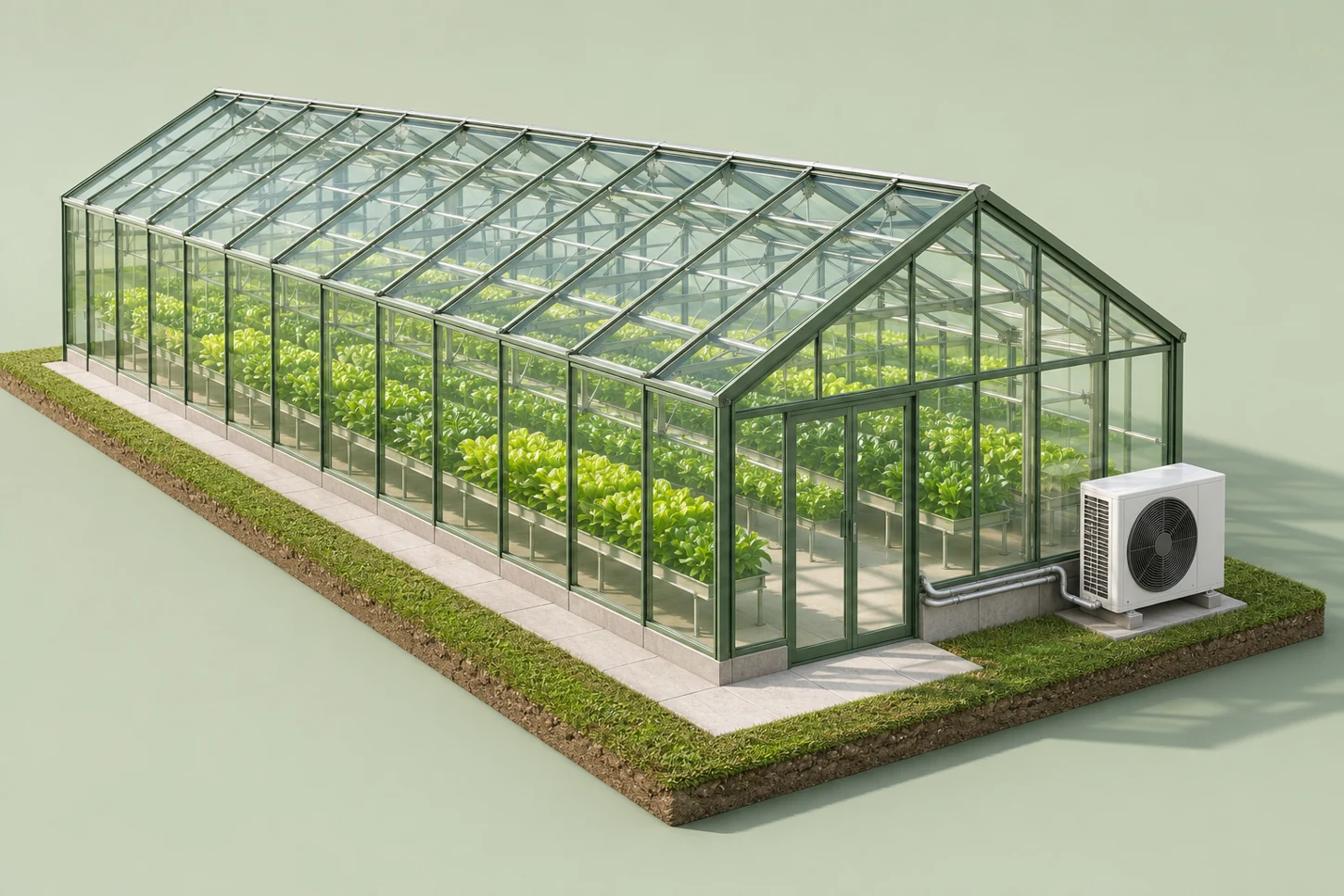 System overview
Read the documents from the application’s Help & Training menu before you install.
Setup, first launch, trial period and backups before updating.
From site inputs and load calculations to revisions and reports.
Guided exercises and training scenarios using a sample greenhouse.
Thermal, humidity and duct terms, with Korean and English menu names.
Changing the cover material or indoor temperature target can change the heating load for the same greenhouse. We built the studio so designers can revisit the assumptions behind each calculation. Keep several scenarios for one site and save a revision with the inputs and results used for each option.
Enter greenhouse dimensions, covering, crop stage and weather conditions to review the heating load and an approximate capacity range.
Compare scenarios for the same site. Review heating load, vapour pressure deficit (VPD), condensation and dehumidification risk, airflow and static pressure.
Check equipment, fans, sensors and items to verify on site. Generate draft reports for estimates, preliminary design, pre-construction review and subsidy preparation.
The best-supported use is comparing two alternatives for the same greenhouse. The v0.1 materials specify neither a field-validated error band (±%) nor upper and lower limits for greenhouse area or equipment capacity. Measured dimensions, representative weather data and verified cover properties give the estimates a clearer basis.
Before ordering equipment, compare field measurements with the manufacturer’s capacity at the design outdoor temperature. Have qualified professionals check electrical supply, drainage and ductwork. Final sizing, energy savings, crop yield, permits and subsidy approval are not guaranteed.
New releases will appear on this page. Planned features and timing depend on development and validation. Back up the local database and outputs folder before updating.
Bilingual Windows test release with simplified heating load, humidity and condensation review, duct calculations and four types of draft reports.
Planned work includes tracking calculation and data sources, regional weather presets, seasonal heating demand and energy cost comparisons.
Planned work brings daytime and nighttime cooling loads together with humidity and dehumidification review.
This test installer is unsigned. Windows may show a warning. You can compare the downloaded file’s SHA-256 with the value below.
e21e9e92f52a64633171a5202d655b15086512bd8f9296269aff7f974095001eEmail us about paid use beyond 180 days, bug reports, improvements or general enquiries.
jinwon@dreambuilder.co.krFor bug reports, include your application and Windows versions, the steps you took and a screenshot of the error.